Install and launch apps
One-click launchers for AI apps, agents, and tools.
Localhost platform for humans and AI
Easiest way for humans and AIs to install, launch, and control any open source app.
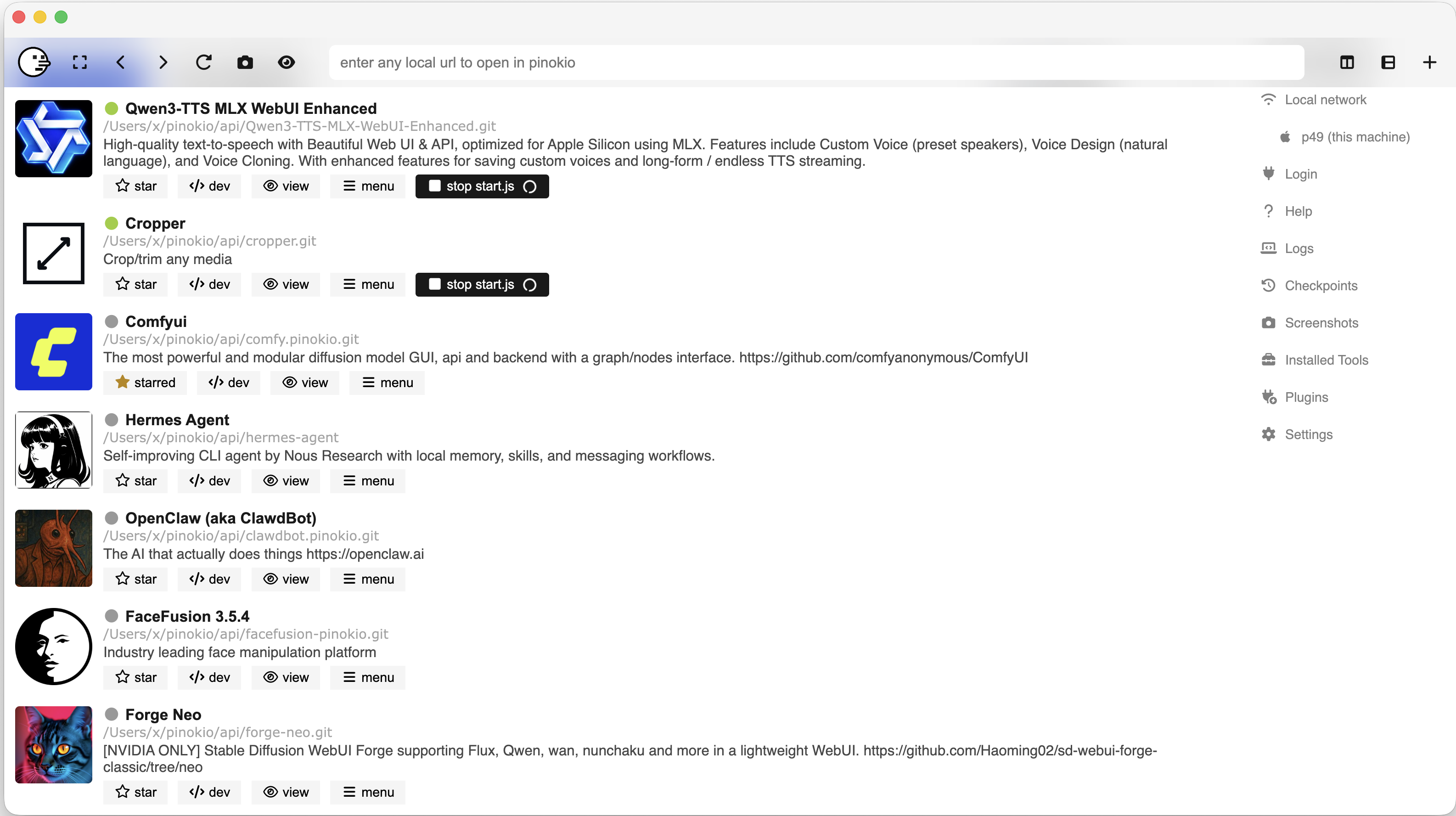
One-click launchers for AI apps, agents, and tools.
Keep runtimes, logs, and files on your own machine.
Let agents control apps and workflows without extra setup.
Five simple ways Pinokio helps you discover, launch, manage, automate, and save space across local apps.
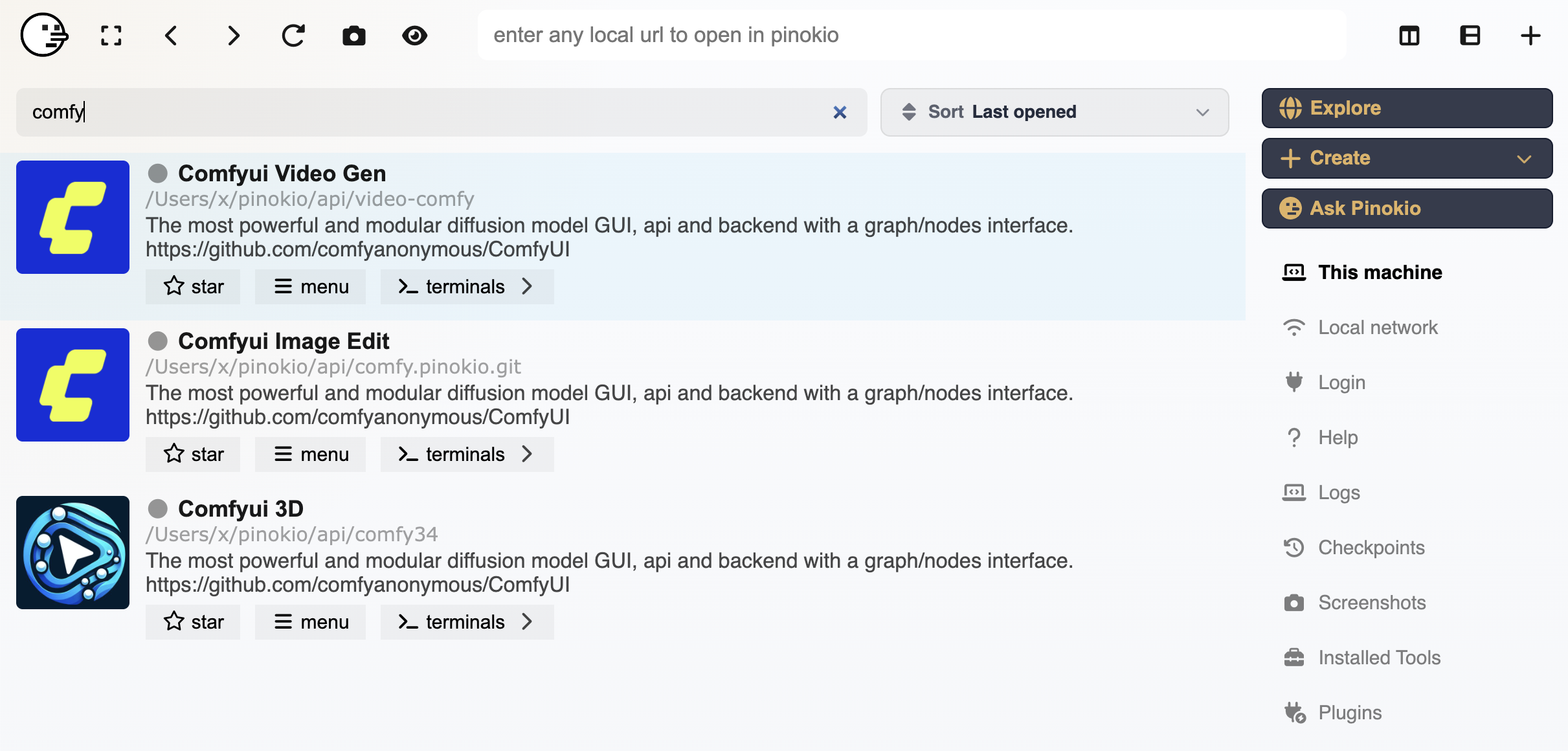
Find community-built AI apps, agents, and local services in one searchable directory before installing anything.
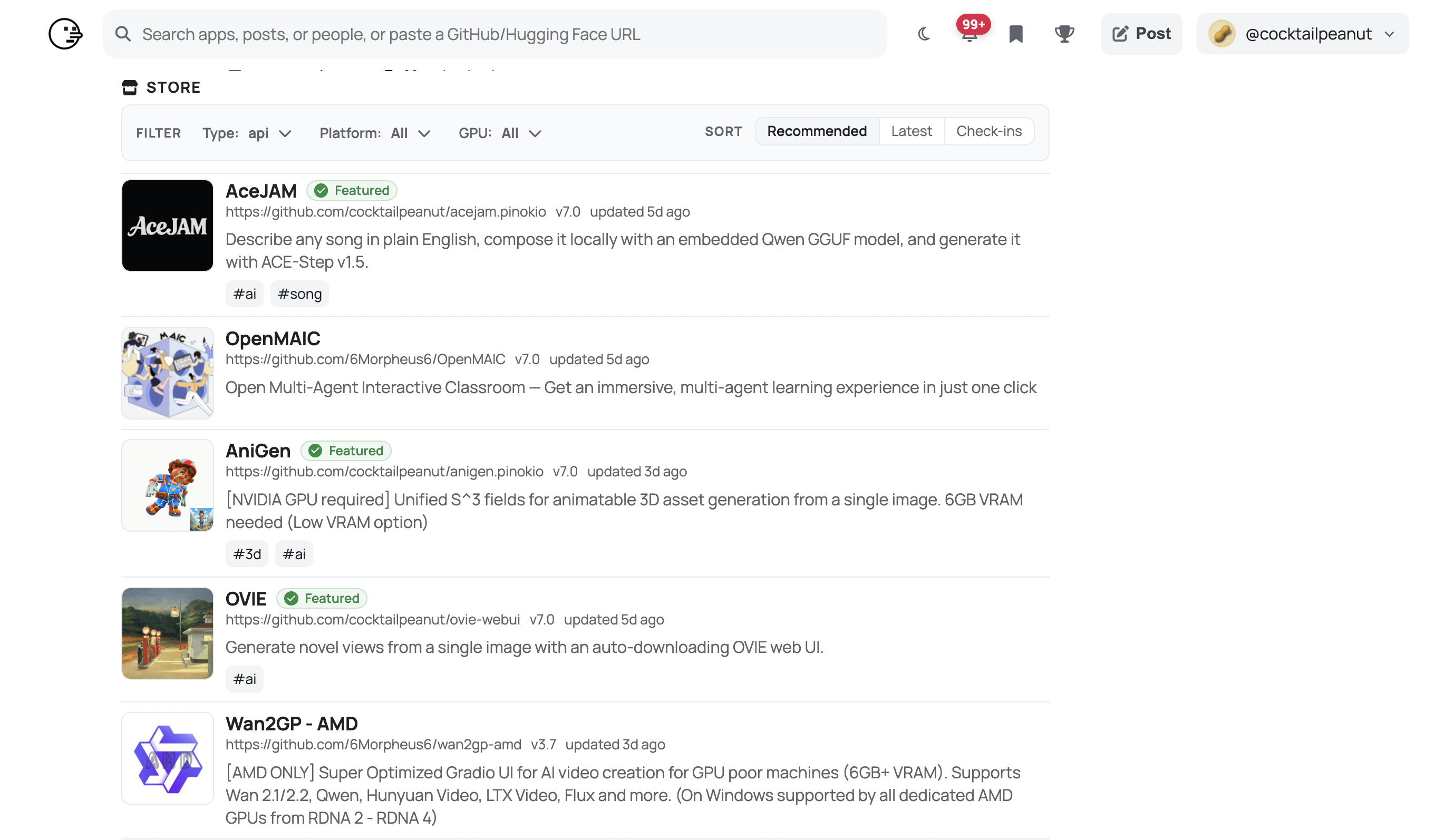
Browse a growing library of one-click launchers for AI apps, agents, and tools. It's like running your own personal web services on your PC.
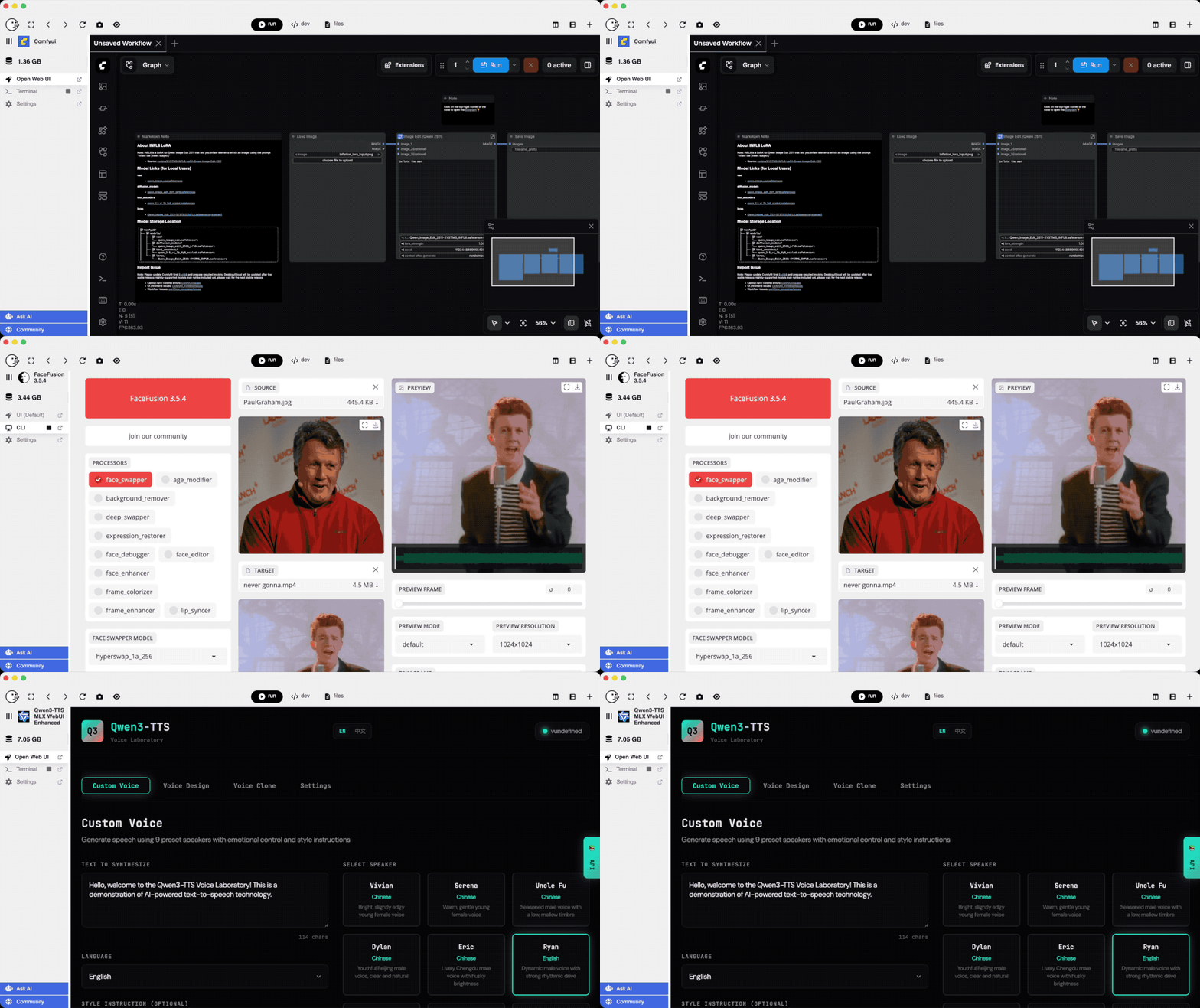
Disk Saver finds byte-identical files across apps and lets them share physical storage without changing the file paths each app expects.
Disk Saver guide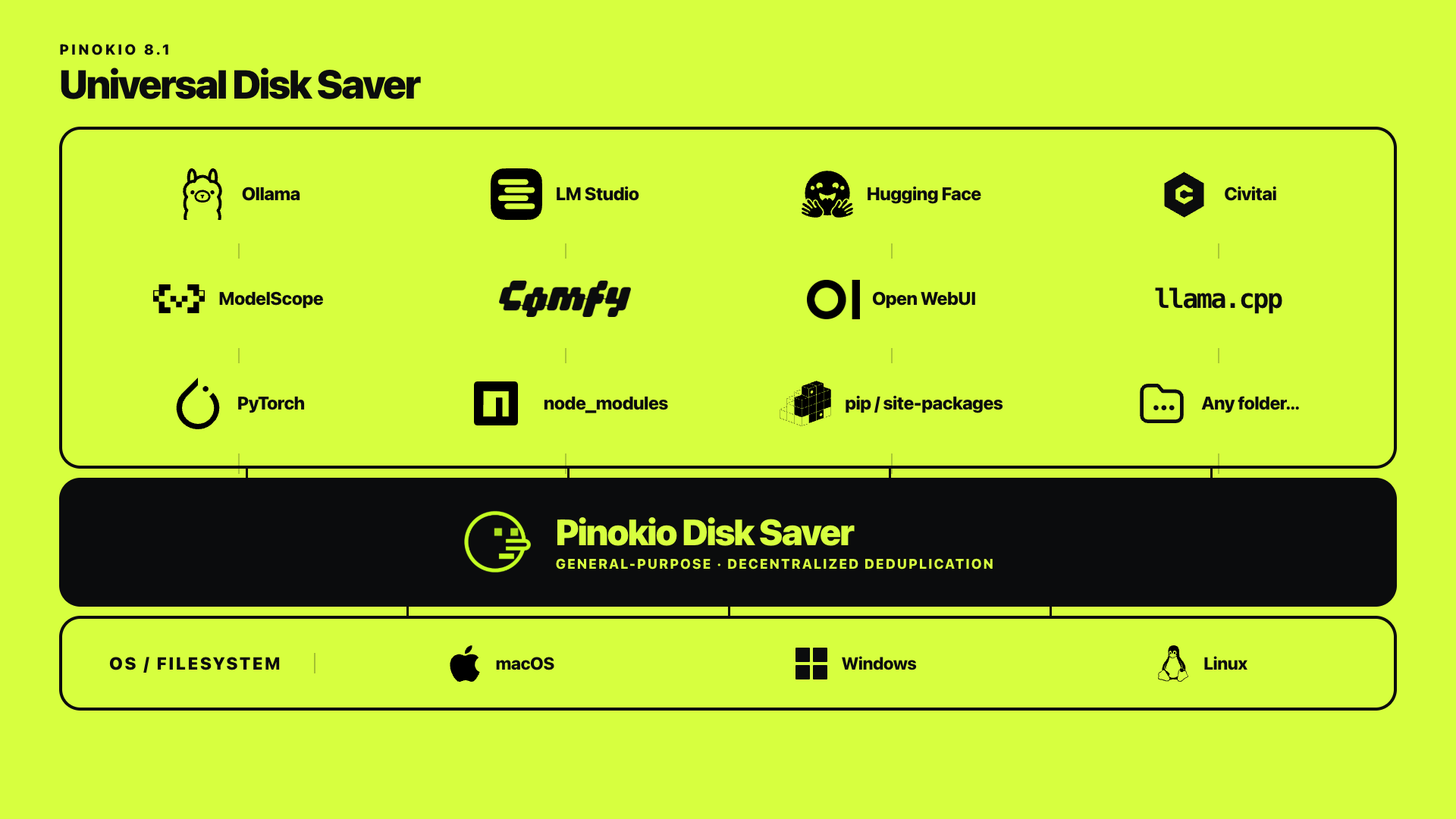
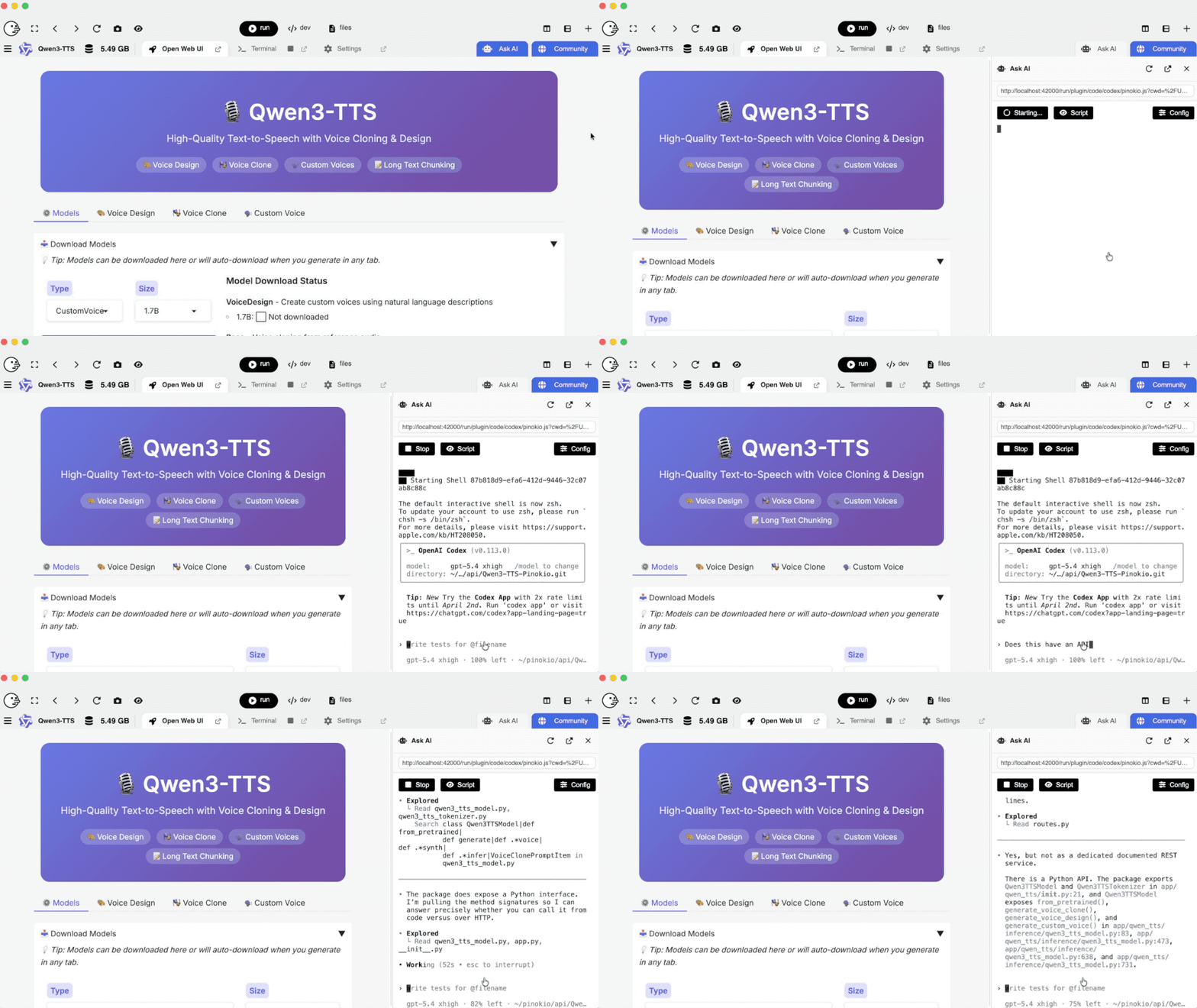
Any AI agent can control your apps, build workflows or apps, or answer questions about your app.
Install, switch between, and manage multiple copies or versions of the same app side by side.